

What gets deleted
When your deletion completes, Base44 permanently removes your account and everything you own. This can’t be undone, and you can’t reopen your account or restore anything afterward.More about deleting your account:
- Base44 also deletes your personal data from its service providers, such as SendGrid and Stripe, as part of a GDPR-compliant deletion, so you don’t need to request this separately.
- Base44 may keep data it’s legally required to keep, or data needed to establish, exercise, or defend legal claims.
Requesting account deletion
You request deletion from the Profile page of your account settings. You can cancel the request any time in the 7 days before your account is deleted.Before you begin:
- Check what gets deleted and how it affects you.
- Export or copy any data you want to keep from your workspaces.
- Transfer ownership or access if collaborators still need to use any apps you created.
- Cancel your active subscriptions. Base44 asks you to cancel them before it deletes your account.
- Click your workspace name at the bottom left of your account.
- Click Account settings.
- Click Delete account at the bottom of the page to expand the section.
- Click Delete Account.
- Complete the dialog that appears:
- Cancel subscriptions before deleting your account: Click Manage subscriptions and cancel each active subscription, then return to Account settings and start again.
- You own workspaces: Review the workspaces you own and click Delete anyway, then type each workspace name to confirm and click Delete Account.
- You will leave these workspaces: Review the workspaces you lose access to and click Continue with deletion, then click Delete Account in the Delete Your Account dialog.
- Delete Your Account: Review what is deleted and the scheduled deletion date, then click Delete Account.
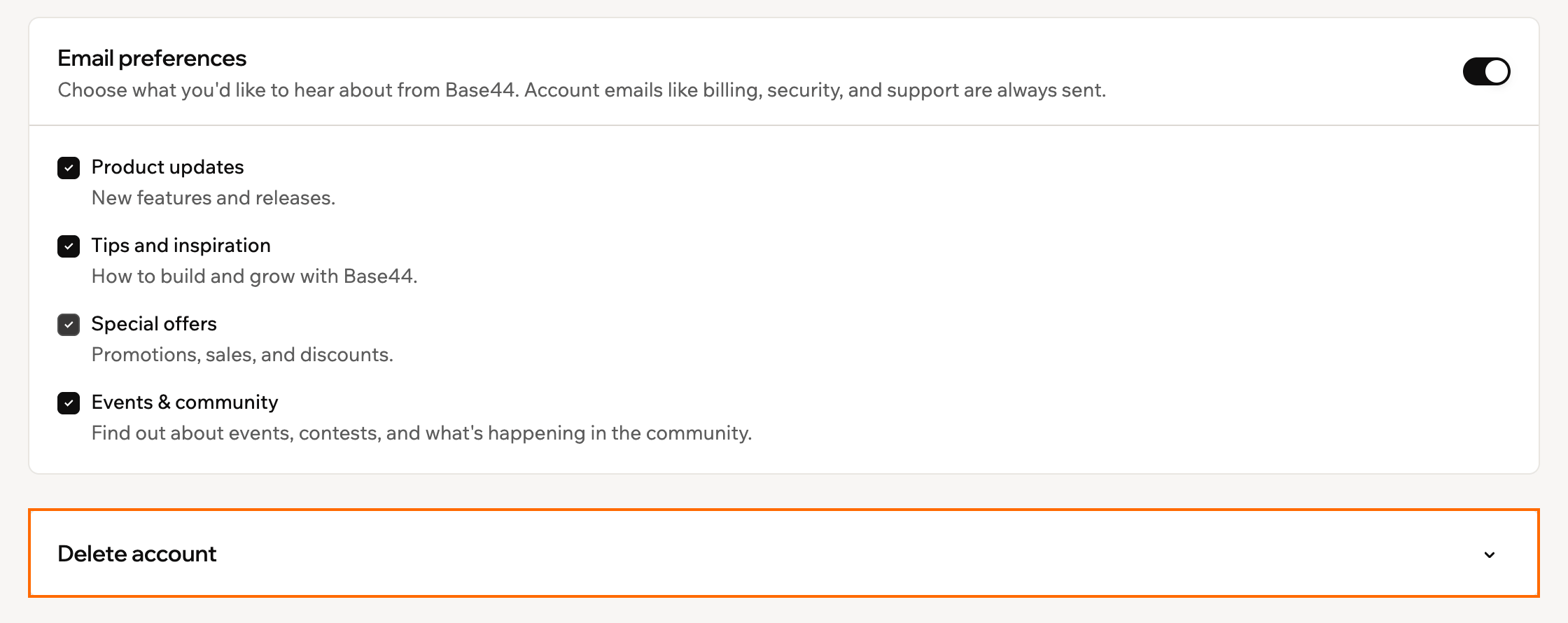
Deleting your account in Base44
What happens after you request deletion:
- Your account stays open for 7 days. After that, your account and data are permanently deleted.
- You can cancel the request any time in those 7 days. While a request is pending, go back to your account settings and click Cancel request in the Delete account section. The confirmation email also explains how to cancel.