

Where user data is stored
A user’s personal data can appear in different parts of your app, depending on how you set it up. For most apps, there are two main places to check:- The Users section: This is where you manage registered app accounts and credentials.
- The Data tab: This is where you store custom data in tables, such as form submissions, survey answers, or other records.
Base44 provides the tools to store and delete data, but you are responsible for handling your users’ personal data in line with any laws that apply to you. For legal details about how Base44 processes data on your behalf, review the Base44 Data Processing Addendum (DPA).
Deleting a user
Removing a user from the Users section deletes their app account and the core profile that you manage there.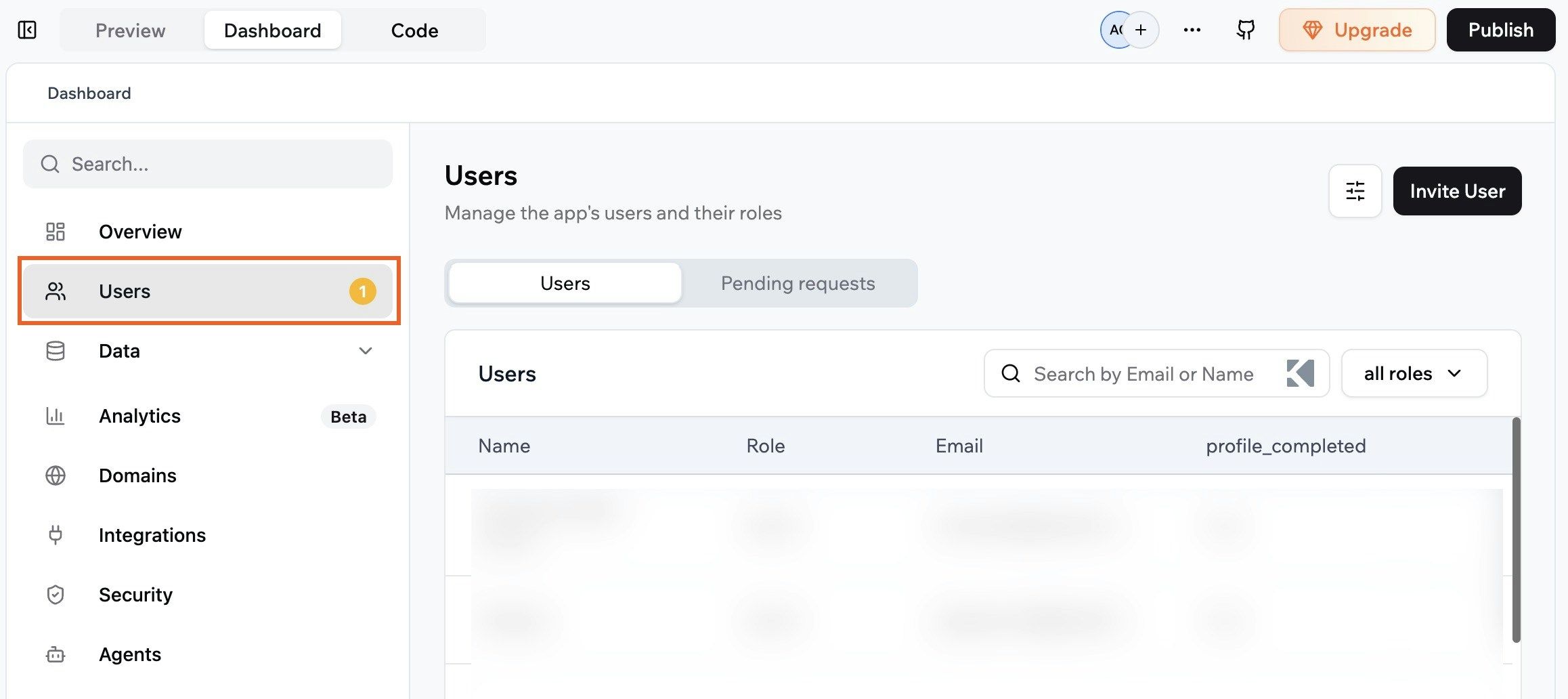
Accessing your app users for deletion
- Click Dashboard in your app editor.
- Click Users.
- Search for the person who requested deletion, for example by name or email address and select the relevant profile.
- Click Remove User.
- Confirm that you want to delete this user and their account data.
Deleting a user’s data
If your app uses custom data tables, you may also store personal data such as form submissions, survey responses, support tickets, or orders in the Data tab. You should remove any records that relate to the person who asked you to delete their data.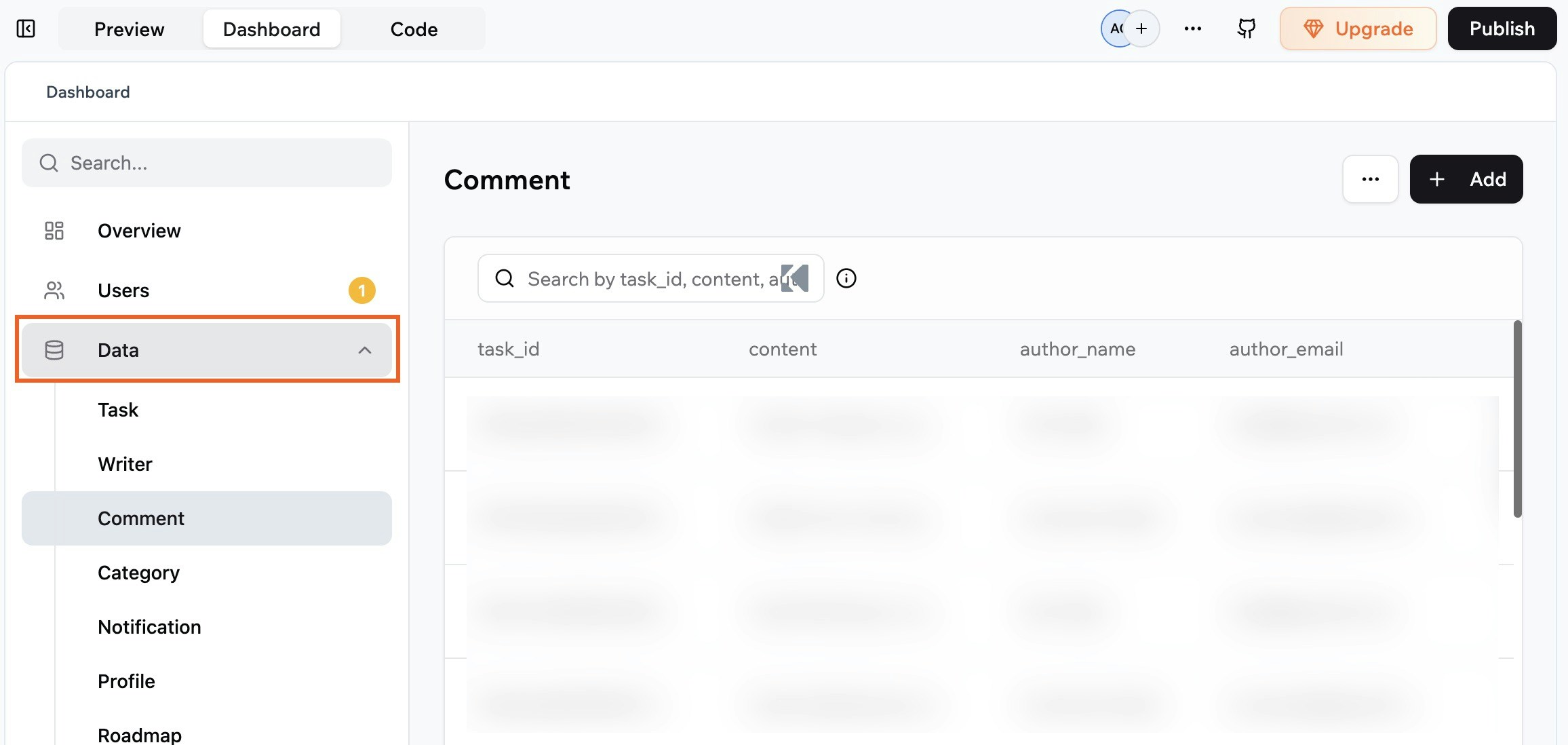
Deleting your users' data
- Click Dashboard in your app editor.
- Click Data.
- Open each table that might contain personal data, such as contacts, orders, or form submissions.
- Use filters or search fields to find records that belong to the person who requested deletion, for example by email address, user ID, or another unique identifier.
- Select the records that relate to this person.
- Delete the selected records from the table.
- Repeat steps 3 to 6 for any other tables where this person’s data may appear.