

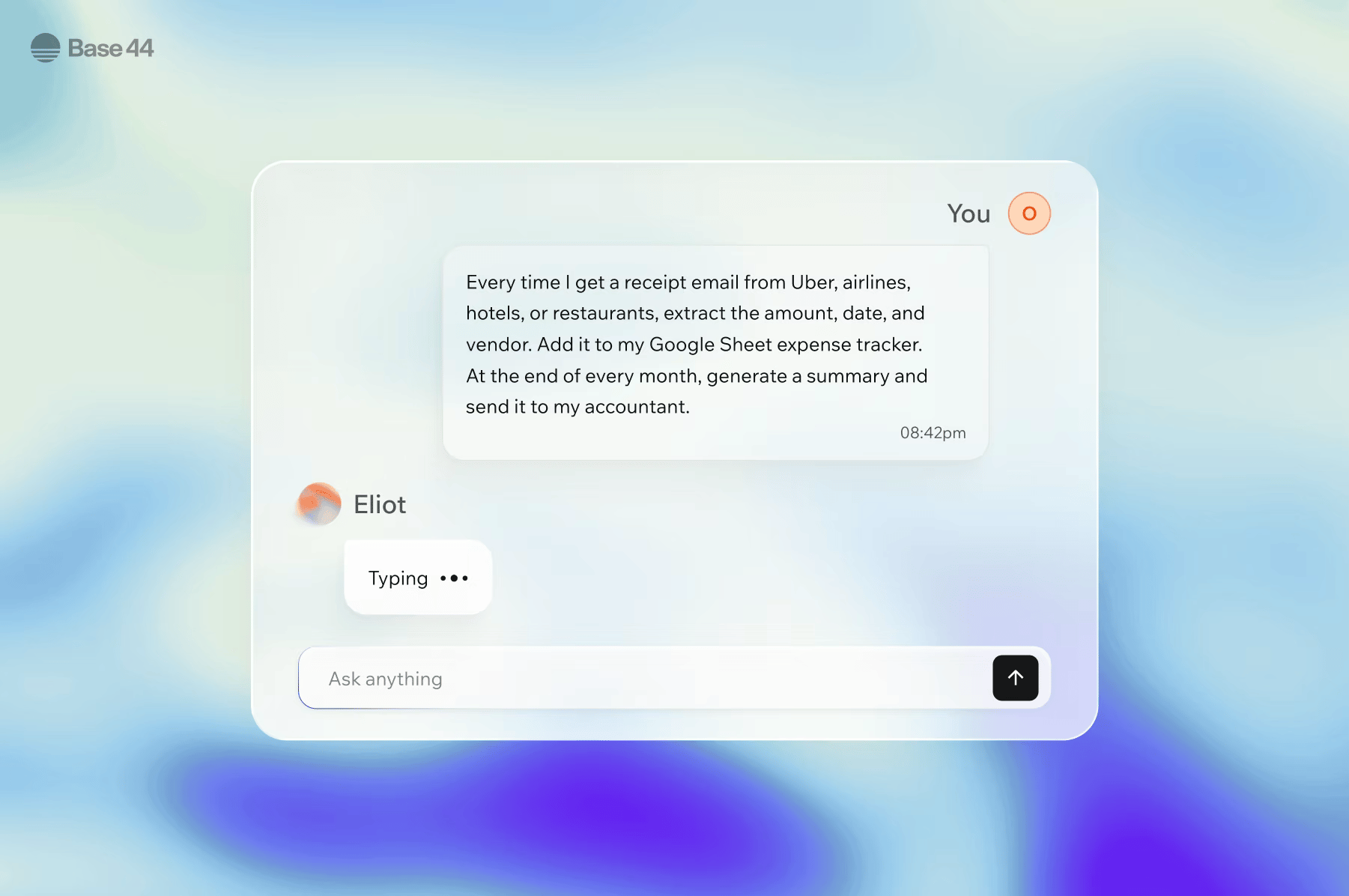
Create a Superagent for your Wix site.
Stay on top
- Get daily updates on sales, leads, and activity.
- Track inventory and flag low stock.
- Monitor your site and catch issues early.
Capture more revenue
- Follow up on abandoned bookings and unpaid sessions.
- Send payment reminders with direct links.
- Reply instantly to new inquiries.
Grow your business
- Turn content into posts across social channels.
- Review leads before reaching out.
- Respond to reviews and build trust.
Before you begin:Your Wix site must be active. Some Wix features your Superagent works with, such as Stores checkout or Payments, depend on your Wix site setup. Full use of your Superagent may require a paid Base44 plan.
Work across your Wix tools
Your Superagent works across your Wix tools to manage activity, respond to events, and take action automatically.Inbox
Read and reply to visitor messages automatically.
Stores
Summarize orders and flag low stock.
Bookings
Monitor appointments and send follow-ups.
Blog
Draft and publish posts on schedule.
Events
Manage guest lists and ticket data.
Forms
Process and route form submissions.
Members and Contacts
Segment and sync your contact data.
Payments
Track transactions and flag issues.
Coupons
Create and manage discount coupons.
Step 1 | Create a Superagent
Go to Base44 Superagents to create your Superagent. To create your Superagent:- Go to Base44 Superagents.
- Click Get your Superagent.
- Sign up for a Base44 account.
- Start chatting with your Superagent, give it a name, and describe what you want it to do.
Step 2 | Connect your site
Once you create your Superagent, connect it to your Wix site. You can connect one Wix site at a time. To connect your Wix site:- In your Superagent, go to Plugins.
- On the Connectors tab, click Add Connector.
- Search for Wix, then click Connect.
- In the confirmation dialog, click Connect.
- In the Wix App Installer, choose which site to add the app to, then click Continue.
- Review the permissions on the Adding Base44 will allow it to: screen, then click Agree & Add.
Step 3 | Start working with your Superagent
Once your Wix site is connected, your Superagent starts working across your business. Ask it to create products, write SEO content, update images, or set up automations, all from a single conversation. Start with simple prompts, then expand into automated workflows and triggers.Example prompts to try
Start by prompting your Superagent. Try examples like:Store and orders
Inbox and forms
Bookings
Content and cross-tool
Automations
Your Superagent can run automations on a fixed schedule or react to events as they happen.Scheduled automations
Run at a set time, every morning, once a week, or any interval you choose. Describe what you want in chat and your Superagent sets it up automatically.
Connector automations
Fire when something happens on your site, such as a new order, a form submission, or a booking confirmation. Describe the event and your Superagent creates the automation.
Daily business summary
Send you a daily summary of sales, bookings, and activity.
Inventory watchdog
Check your store nightly and alert you before stock runs out.
Booking recovery
Follow up on no-shows and unpaid bookings with direct payment links.
Content multiplier
Turn one blog post into a full week of social threads, emails, and FAQ updates.
Smart review responder
Draft on-brand replies to new reviews and flag negative feedback for your review.
Enrich new leads automatically
Research new leads and enrich your CRM automatically.
Control what your Superagent can do
You control what your Superagent is allowed to do for each connected service. By default, your Superagent asks for confirmation before taking actions that change your site. Set rules in Customize → Security → Connector Rules to control how your Superagent behaves for each tool. For example:Wix connector permissions
When you connect your Wix site, you review and approve the permissions Base44 requests on the Wix App Market screen. That screen shows the full, current list of permissions you are granting, so review it before you connect. Wix does not use per-scope access grants, so you approve these as a single set during installation. The permissions cover the following areas so your Superagent can take action across your business:Manage stores
Create and update products, inventory, and categories in your store catalog.
Manage form submissions
Read and manage submissions from your Wix Forms.
Manage orders
View and update your store orders.
Manage payments
Manage payments data, including transactions, disputes, and refunds.
Manage coupons
Read, create, and update your site’s coupons.
Manage events
Manage events, ticket definitions, and guest lists.
Manage Paylinks
Manage payment links, their settings, and their payments.
Manage blog
Create, edit, and publish blog posts, including drafts.
Manage Media Manager
Upload and organize files and folders in the Media Manager.
Read stores
View products, inventory, and categories in your store catalog.
Manage inbox messages
Read and respond to messages and conversations in your Wix Inbox.
Read site, business, and email details
View your site properties, business information, and connected email details.
Manage pricing plans
Read and manage your site’s pricing plans.
Manage restaurants
Manage restaurant menus, online orders, and reservations.
Manage bookings
Manage services, bookings, staff members, and availability.
Manage content in CMS collections
Create and update the items in your CMS collections.
Manage eCommerce data
Work with eCommerce data such as carts, checkouts, and discount rules.
Manage email marketing
Create and manage email marketing campaigns.
Manage members and contacts
Manage your site members and contacts.
Manage CMS collection structures
Create and update the structure of your CMS collections.
FAQs
Click a question to learn more about using Superagents with Wix.Do I need a paid Base44 plan to get started?
Do I need a paid Base44 plan to get started?
No. You can get started with a Base44 account, which includes credits to run your Superagent. No payment details required.
Can my Superagent send replies through Wix Inbox?
Can my Superagent send replies through Wix Inbox?
Yes. Once the Wix connector is connected, your Superagent can read and respond to messages in your Wix Inbox.To limit it to drafting only, add a rule in Customize → Security → Connector Rules:
Can my Superagent publish blog posts directly to my site?
Can my Superagent publish blog posts directly to my site?
Yes. With the blog permission connected, your Superagent can create, edit, and publish posts.To limit it to drafts only, add a rule in Customize → Security → Connector Rules:
Can I connect more than one Wix site?
Can I connect more than one Wix site?
No. Your Superagent connects to one Wix site at a time.
Where can I learn more about configuring my Superagent?
Where can I learn more about configuring my Superagent?
Get step-by-step guidance on creating and configuring your Superagent in Creating a Superagent.
How do I disconnect my Wix site?
How do I disconnect my Wix site?
- In your Superagent, click Plugins in the sidebar.
- Find Wix under Apps connected.
- Click the More actions icon, then select Disconnect.
Why isn't my Wix site connecting?
Why isn't my Wix site connecting?
Make sure you completed the connection by clicking Agree & Add on the permissions screen. To verify, go to Plugins, open the Connectors tab, find Wix, and check its status. If needed, disconnect and connect again.Also make sure the Wix business apps you want to use, such as Wix Stores or Wix Bookings, are enabled on your site.