

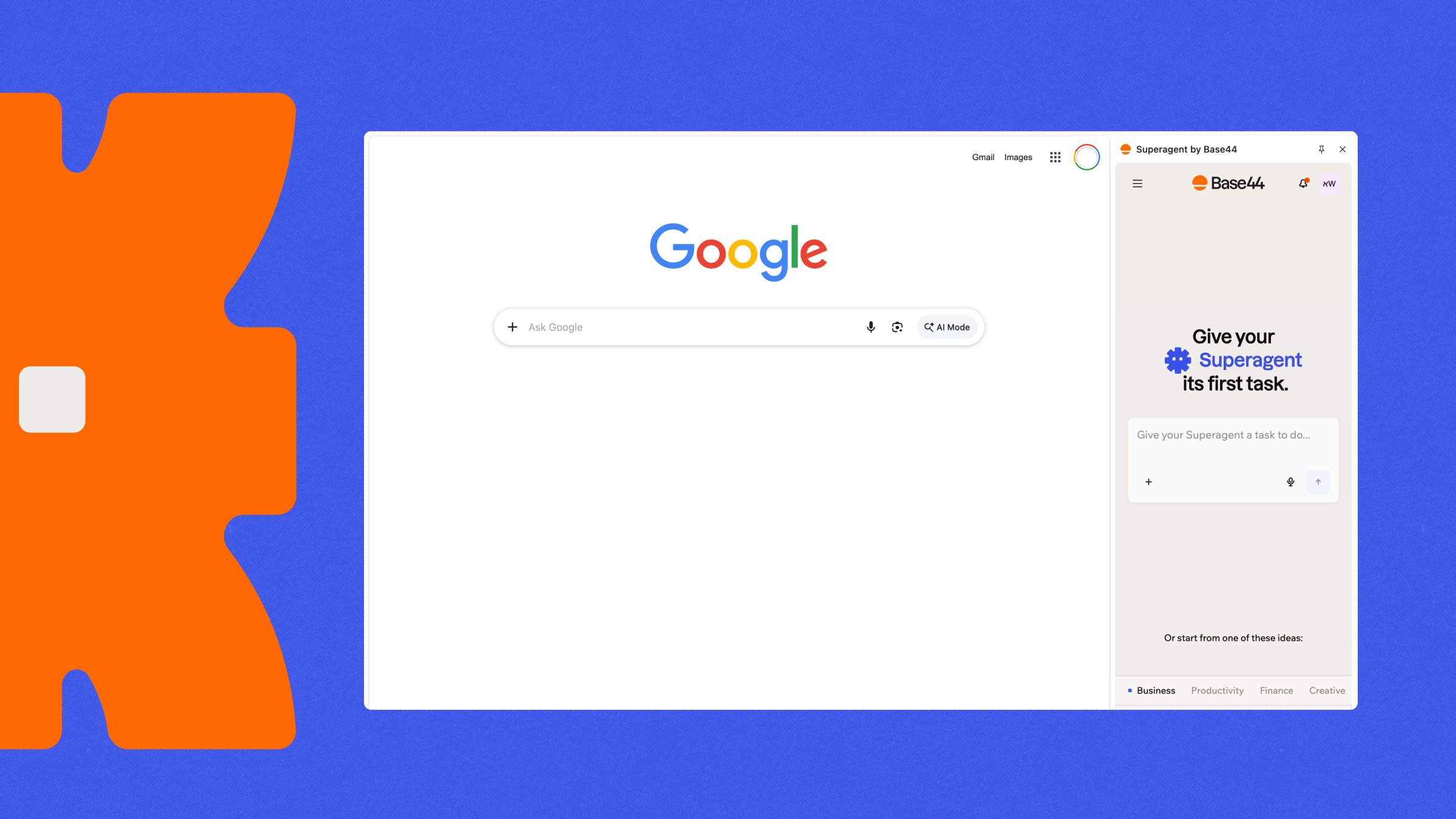
Superagent in Chrome
Giving your Superagent a task
Ask your Superagent to research something or complete a task online, just like you would ask it anything else in chat. No setup is required. For example:- Expand the view.
- Open it in full screen.
- Close the view while your Superagent keeps working.
How browsing works:
- Your Superagent can work on websites available through the public internet, including ones you are already logged in to. It cannot reach your local network or private network addresses, such as
localhost. - Browser actions typically use ~0.01 credits for each action and ~0.03 credits for each data extraction. Failed actions are free.
- Credit amounts are estimates and are calculated after each action runs, so your actual cost may differ from the figures shown here.
Using the browser extension
The Superagent by Base44 browser extension lets your Superagent work directly in Chrome. It opens tabs, clicks, types, and reads pages on your behalf, while you watch what it is doing. Your Superagent can work with the sites you’re already signed in to while completing tasks.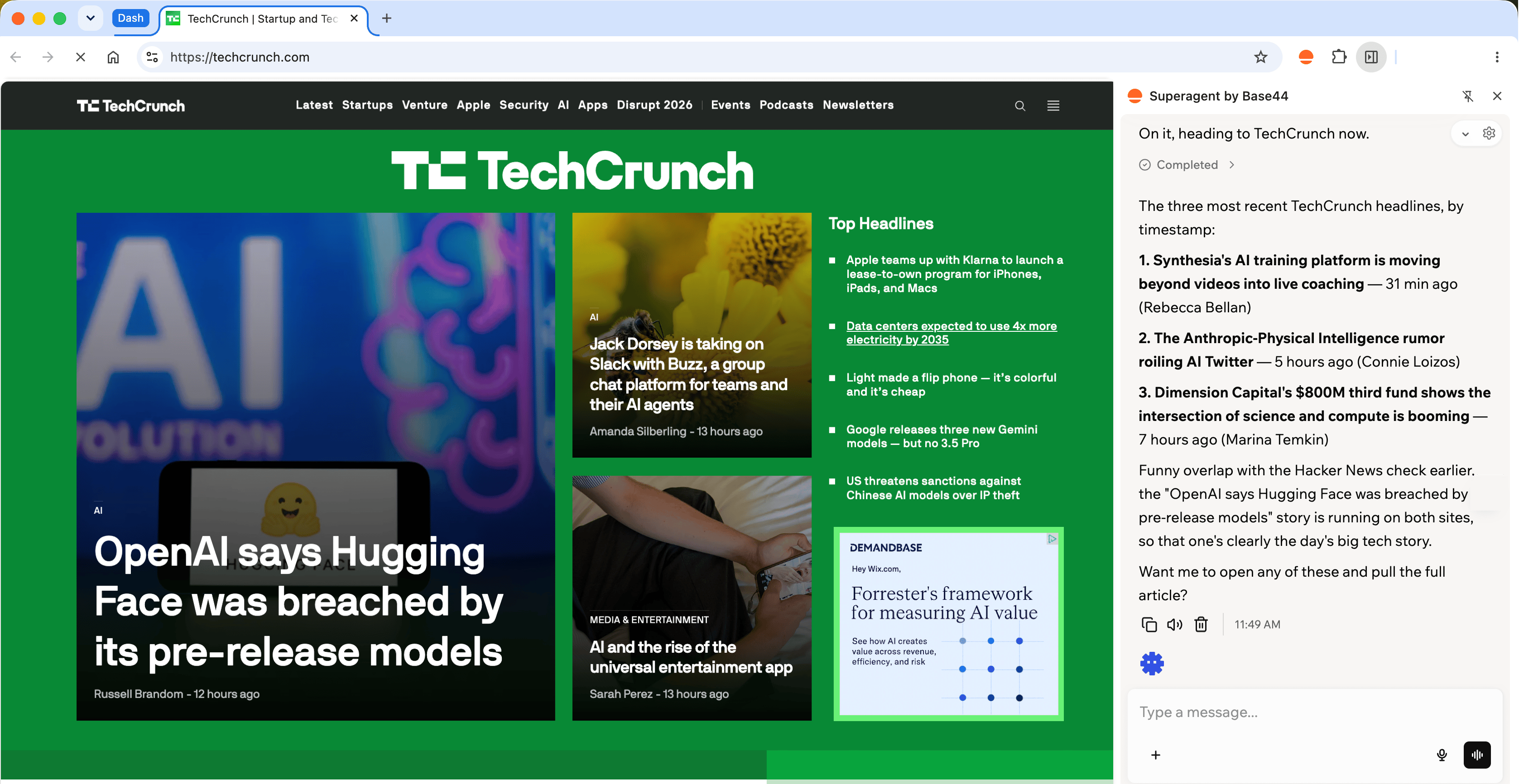
Working with your Base44 Superagent in Chrome
Log in to Base44 in the Chrome profile where you want to use the extension.
Installing the extension
Install Superagent by Base44 from the Chrome Web Store, then log in to Base44 to connect it to your account. You can also reach the extension from Base44. Open your Superagent, click Channels in the sidebar, and click Install next to Browser extension. To install the extension:- Go to the Superagent by Base44 extension in the Chrome Web Store.
- Click Add to Chrome.
- Click Continue to install.
- Review the permissions, then click Add extension.
- Open the extension.
- Click Log in to Base44.
- Select the Superagent you want to use.
Work in your browser
Ask your Superagent to complete a task in your browser, just like you would from chat. If you own 2 or more Superagents in a workspace, you can switch between them at any time from the extension’s side panel. For example:Read your WhatsApp chats
Your Superagent can go through your personal WhatsApp chats and summarize them for you, using WhatsApp Web in your browser. This is separate from the WhatsApp channel, which only covers the chat you have with your Superagent. To read your WhatsApp chats:- Make sure the Superagent by Base44 extension is connected and Chrome is open.
-
In your own chat with your Superagent, ask it to read your WhatsApp. For example:
- If your Superagent asks you to link WhatsApp, scan the QR code it opens in Chrome. On your phone, open WhatsApp, go to Linked devices, and tap Link a device.
What to know:
- Your Superagent reads only the chats and time range you ask about, and only messages WhatsApp has loaded, so older history may be missing. Opening a chat can mark it as read.
- It only sends, replies to, or forwards a message when you ask it to.
- It works only in your own chat with your Superagent, not in group chats or scheduled workflows.
- Anything your Superagent copies into the chat can be seen by anyone with access to that conversation.
- To stop access, remove Base44 from Linked devices in WhatsApp on your phone.
FAQs
Do I need to install anything to let my Superagent browse the web?
Do I need to install anything to let my Superagent browse the web?
No. Your Superagent browses the web from chat with no setup. Install the browser extension only if you want your Superagent to work in your browser.
Which browsers does the extension support?
Which browsers does the extension support?
The extension is available for Chrome.
Do I need to enter a token or API key to connect the extension?
Do I need to enter a token or API key to connect the extension?
No. Once you are logged in to Base44, the extension pairs with your account automatically.
How do I know when my Superagent is working in my browser?
How do I know when my Superagent is working in my browser?
Chrome shows its standard browser control banner while your Superagent is performing actions, and your Superagent works in its own tab group.
Which websites can my Superagent access?
Which websites can my Superagent access?
Your Superagent can access any site reachable at a public internet address, including sites you are already logged in to. It cannot access private network addresses, such as
localhost, private IP ranges, or hostnames like .local and .internal. Whether a site counts as private depends on its network address, not its name, so an internal site hosted on a public domain is still reachable.Can more than one Superagent control my browser at a time?
Can more than one Superagent control my browser at a time?
No. Only one Superagent session controls the browser at a time. The most recent session takes control.
Why is my Superagent using the cloud browser instead of my browser?
Why is my Superagent using the cloud browser instead of my browser?
If the extension is not connected, your Superagent browses from chat instead. You do not need to do anything, and it can still complete most tasks.
How do I disconnect the extension?
How do I disconnect the extension?
Right-click the extension icon in your Chrome toolbar, then select Remove from Chrome. You can also go to
chrome://extensions, find Superagent by Base44, and click Remove.